
I have a few spots in my backyard that I observe from and they’re pretty distinct on what they can see. One is open to the east, another to the west, and yet another to the south. So if I want to view something like Orion or Andromeda around this time of year, I need to go over to the part that’s open to the east, but I usually only figure that out when I go out and start spinning around. Instead I measured the treeline and obstacles at each position and gave it to Stellarium as a horizon file for each.
Measure the obstruction, not the sky
Standing where the telescope goes, phone at telescope height (pretty low for my Seestar’s 2-3ft elevation), the only two numbers that matter are the compass bearing to the top of the obstruction and how many degrees above horizontal that edge sits. A dozen readings per spot, roughly every 15–20°, is plenty. This isn’t surveying, it just has to be roughly right.
One landscape folder per spot
Stellarium’s Linux user directory is ~/.stellarium, and each horizon is a folder under landscapes:
~/.stellarium/landscapes/
├── deck-east/
│   ├── landscape.ini
│   └── horizon.txt
└── deck-west/
│   ├── landscape.ini
│   └── horizon.txt
└── etc...
The ini is barely a file:
[landscape]
name = Deck - East
type = polygonal
polygonal_horizon_list = horizon.txt
polygonal_angle_rotatez = 0
ground_color = 0.15,0.45,0.05
Deliberately no [location] block, since that would override my observing coordinates with the landscape’s.
The horizon is just numbers
horizon.txt is azimuth and altitude in degrees, true north, sorted ascending:
12     54.4
81     44.7
95     21.4
137    23.2
177    23.0
184    32.8
200    49.9
223    54.4
276    59.2
340    52.4
Stellarium joins the dots and fills everything below the line with ground colour. That’s the whole trick.
Restart, then check it
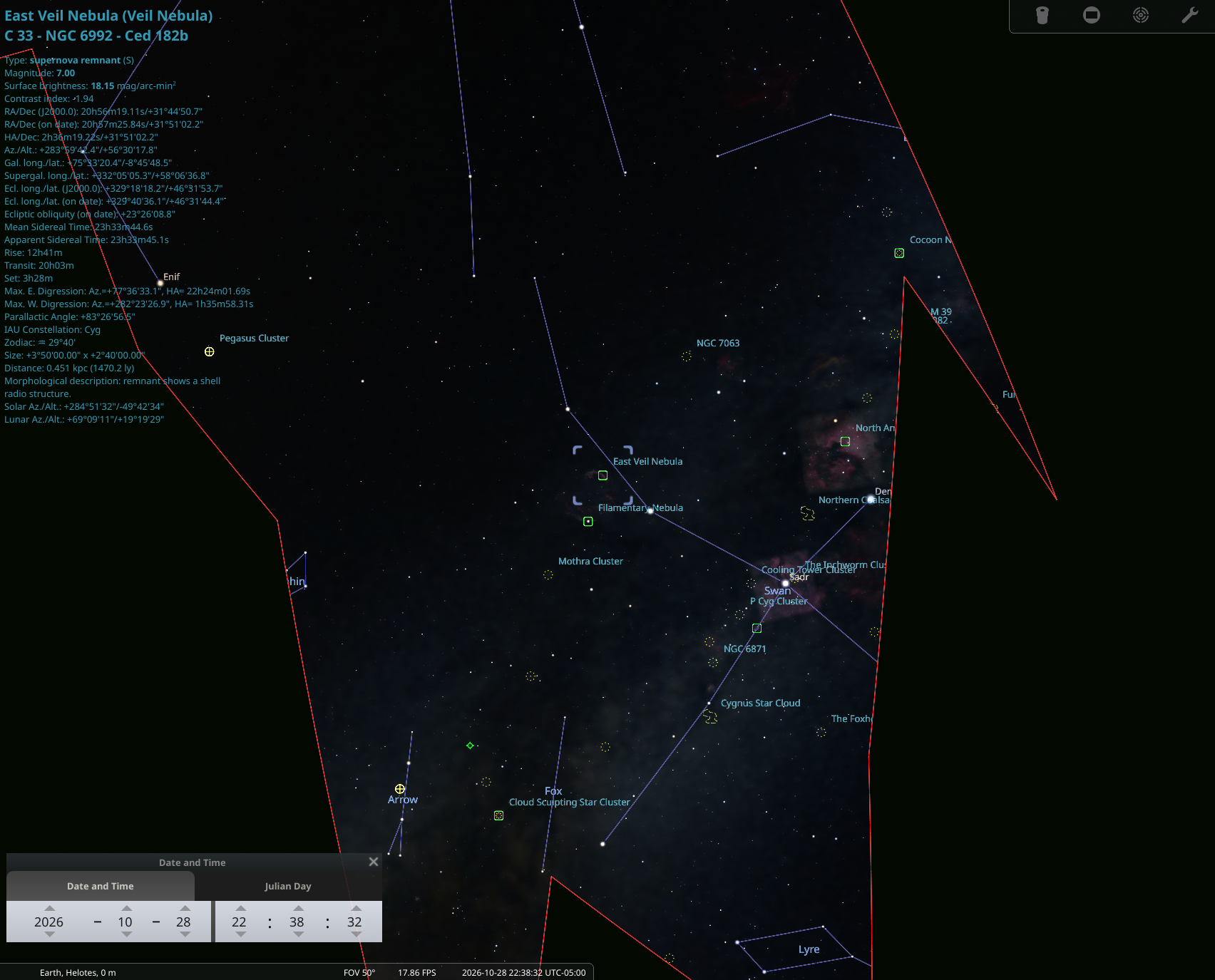
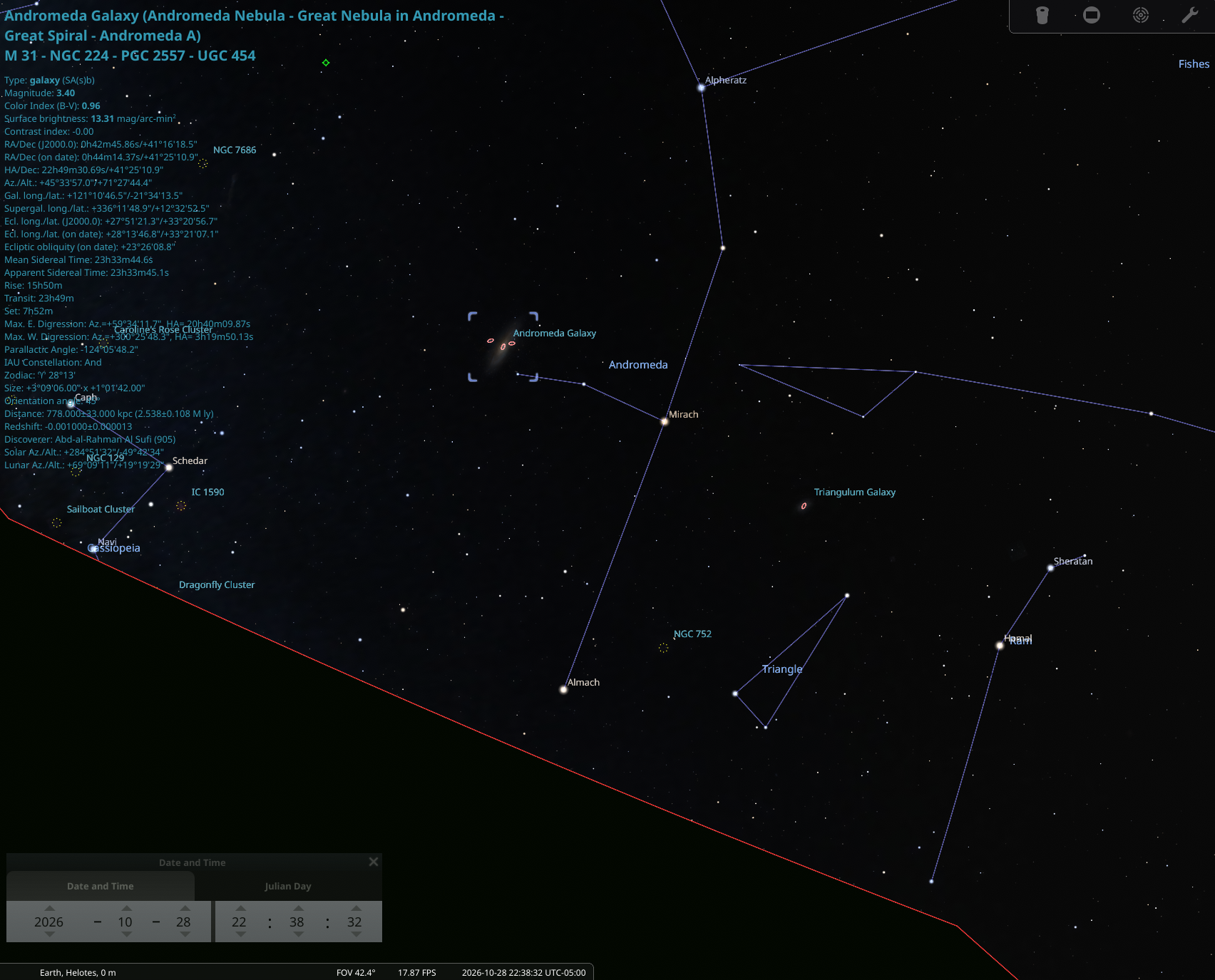
Landscapes are only scanned at startup, so nothing appears until you relaunch. After that it’s F4 → Landscape and pick a spot. Turn on the azimuth grid and compare a couple of landmarks. If the whole skyline looks uniformly rotated, that’s compass error, and the fix is polygonal_angle_rotatez rather than measuring everything again.
What’s a bit goofed
The compass is the weak link. The inclinometer is good to a fraction of a degree, but the magnetometer drifts by a few degrees and hates cars, fences and metal siding. Just moving it around and I’d see the measurement change by a few degrees just trying to point it at a spot.
Gaps get straight-lined. Between my last eastern reading and my first northern one, Stellarium drew a clean straight line and called it a skyline. That arc is fiction, so fill your gaps before you trust the edges.
Sort the file. The polygon cares about order, even if you don’t. Ascending azimuth, wrapping the last point back toward 360.
I know I have an old school army compass somewhere around here to redo this. For now it’s pretty good for planning out what can be seen, where and when.